


Table of Contents
1Password has launched 1Password for Agents, a platform that lets supported AI agents sign in to websites using credentials from a user's vault without receiving or storing the passwords themselves. Users approve the requested login, and 1Password fills it directly into the destination website.
The platform addresses a common interruption in delegated work. An agent might plan a trip, prepare an expense report, or organize an event, then still need help getting into the accounts required to finish. Instead of asking the user to take over the browser or paste a password into a prompt, the integration routes that step through 1Password.
Announced partners include Meta's Muse, SpaceXSI's Grok Bot, Anthropic's Claude Duet, OpenAI's ChatGPT Work and dots, and Town's Townie, with availability varying by integration.
How Agents Request a Login
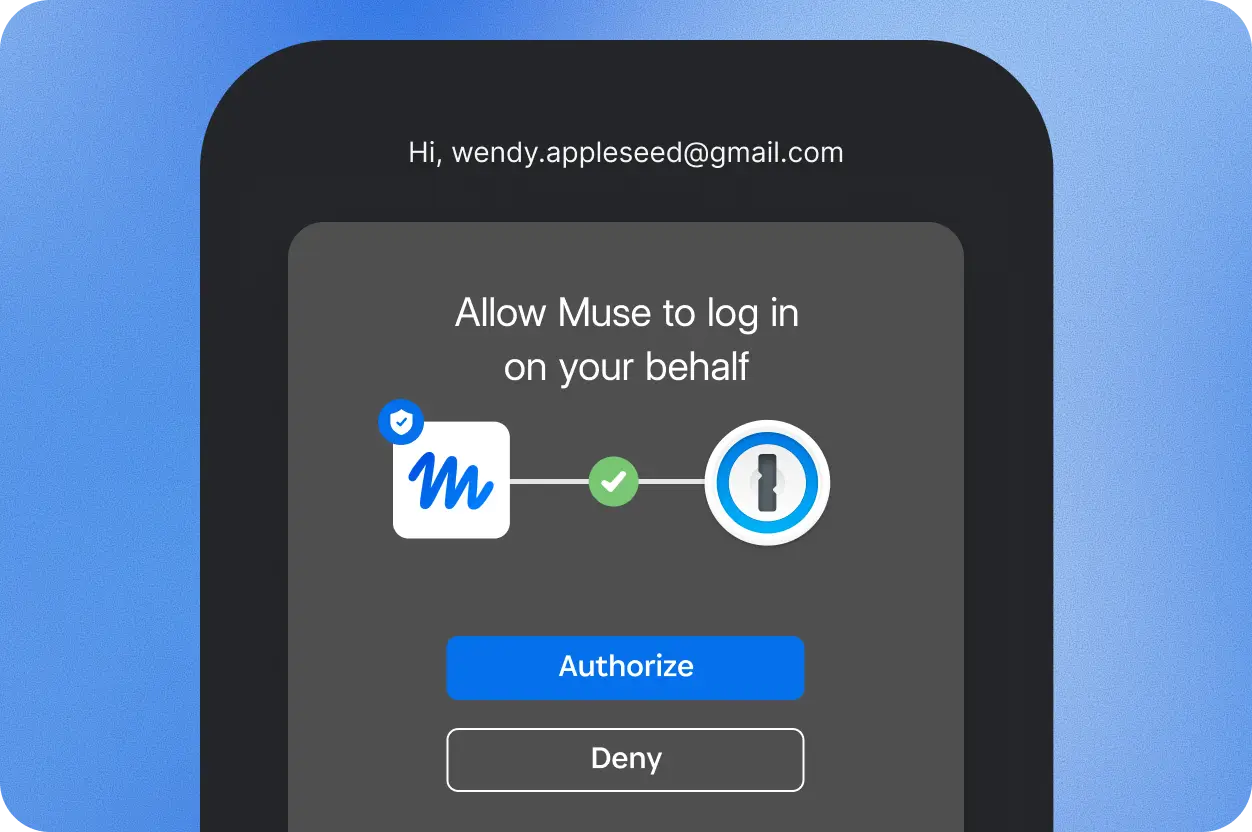
When a supported agent reaches a sign-in form, it uses a unique digital key to verify its identity to 1Password. The user sees which credential the agent needs and why, and approval takes place on the user's own device, which confirms that permission came from them.
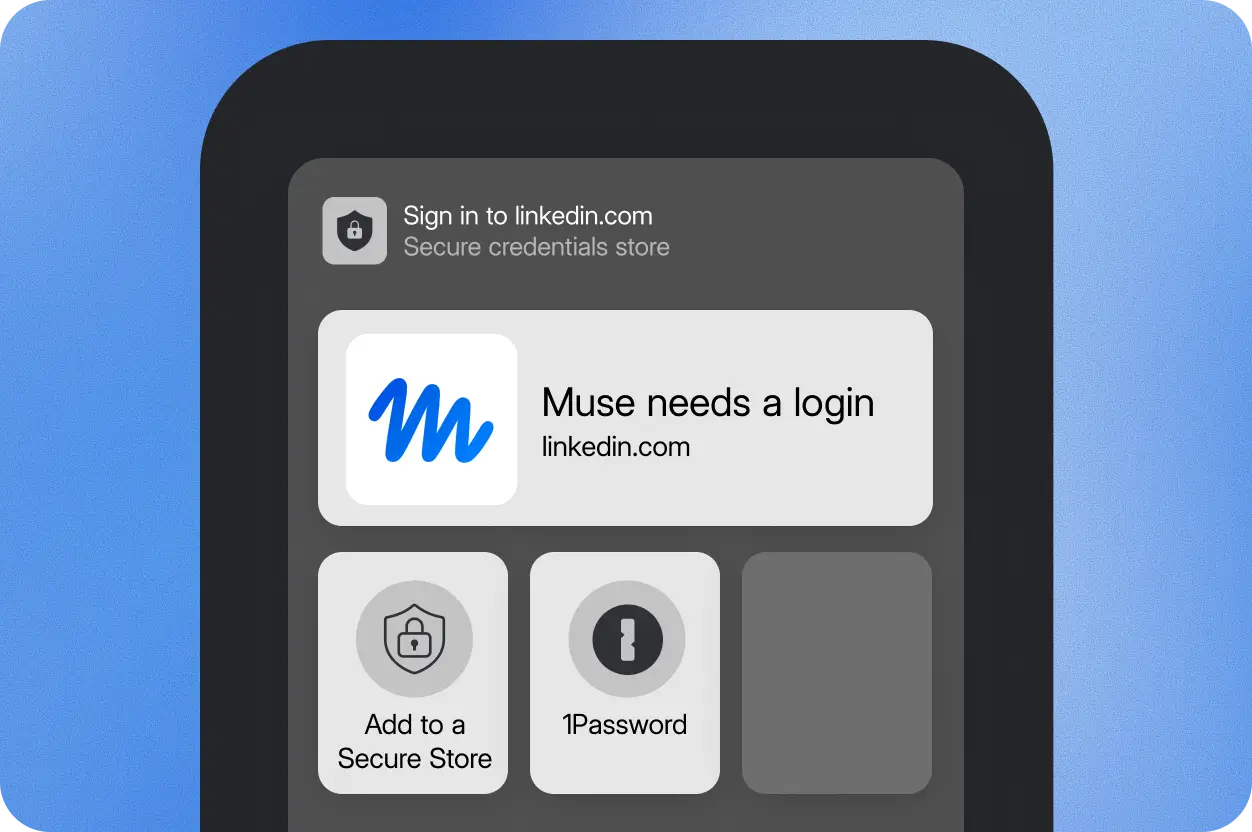
That request is for a particular login, not permission to browse the entire vault. If several saved logins match the account, the user can select which one to use. The frequency of approval requests depends on the integration.
1Password calls the browser sign-in mechanism Agentic Autofill. After approval, it places the password or one-time code directly into the site's login form rather than sending it to the agent. Once the website accepts the login, 1Password removes the credential so the agent cannot read or reuse it as it continues working.
“Agents are starting to do real work on our behalf,” Aashish Tripathi, 1Password's chief product officer, said in the company's launch release. “The old model where you hand over a credential and hope for the best doesn’t work.”
Account Access Stays Separate From Password Access
After signing in, the agent can continue operating inside the account. Keeping the password out of the agent's hands does not prevent it from seeing account information or taking actions the website permits. Those capabilities depend on the agent and the site, so the approval decision concerns the account and task as well as the credential.
Users can connect multiple supported agents to the same vault and disconnect an integration at any time. New account information is saved in 1Password, and password changes can be managed there rather than copied into separate agent systems. Other saved passwords remain protected by end-to-end encryption.
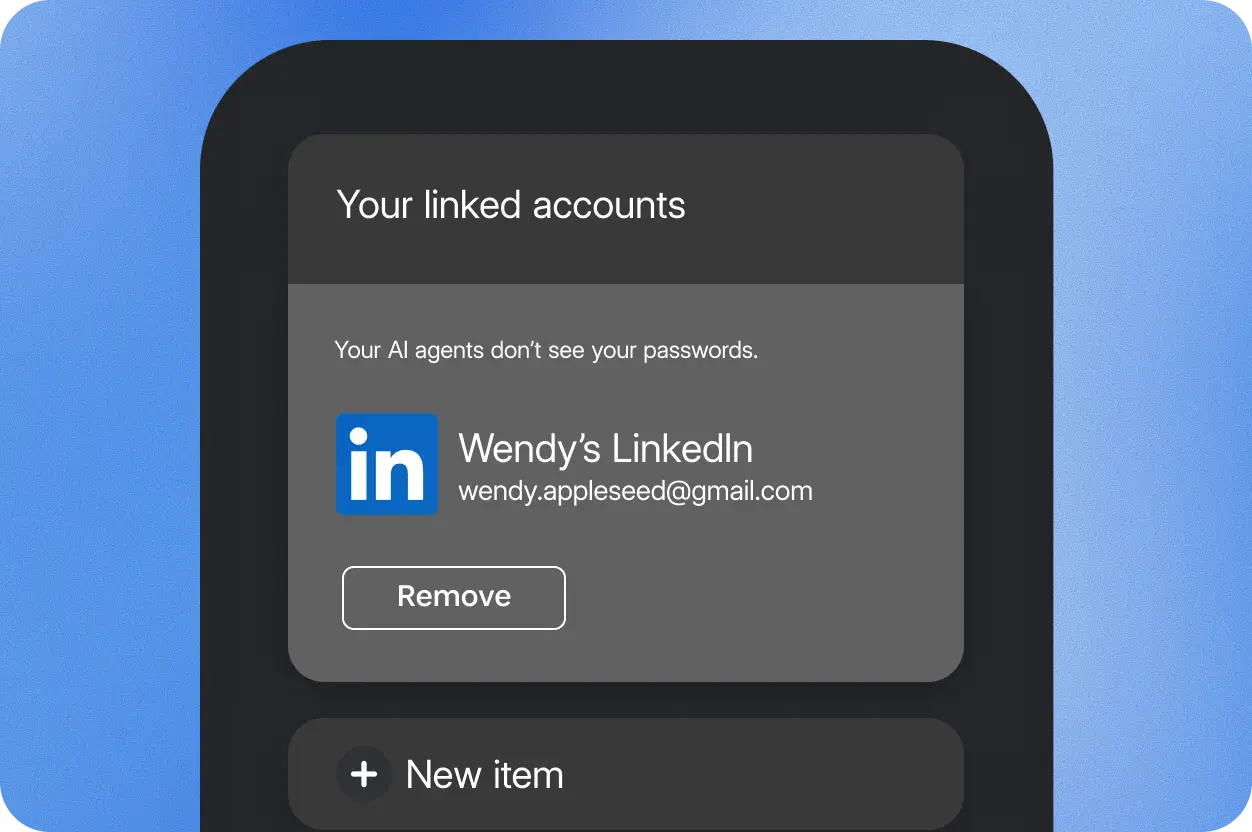
The integrations are optional; agents cannot access a user's vault unless the user opts in to an agent connector. Safeguards and controls also vary by integration.
Partner Rollout and Availability
Muse and Grok Bot integrations are scheduled to roll out across all platforms over the coming days. Claude Duet, ChatGPT Work, and dots connections are listed as coming soon, as are Townie's web and iOS integrations.
Several of those products already support work that extends beyond a single chat. OpenAI's dots run on their own cloud computers and maintain context across apps. Meta's Muse Wonder models add memory and sustained task execution, while Grok Bot recently added editable pages with scheduled updates for recurring reports and dashboards. The 1Password integrations address the sign-in step within that kind of ongoing work.
1Password gives an event-planning example for Muse. The agent can request access to RSVPify and Oriental Trading to prepare invitations, track responses, and find supplies. The user chooses the saved login for each service without exposing unrelated vault entries. Townie's planned integration similarly lets employees approve access to the work tools their assistant needs.
Additional integrations are planned with Browserbase, Browser Use, Dana, Instinct, KERNEL, Perplexity, Ramp, Tomo, and Wajo. 1Password is also inviting personal-agent developers to integrate its sign-in flow.
1Password for Agents is included at no additional cost with Individual and Family accounts using the company's .com service. Accounts on its .eu and .ca services are not currently supported. Availability, device requirements, and capabilities vary by partner; users can join the waitlist on the 1Password for Agents integration page to be notified when their agent is ready.


