
Table of Contents
SpaceXSI has released Grok Bot 1.0, bringing its AI teammate out of beta with shared Bots, participation in team conversations and video calls, and tools for proposing work before someone assigns it.
The 1.0 launch builds on the Team Bots public beta introduced in September. Instead of maintaining separate assistants for the same workflow, coworkers can use one Bot with common knowledge, connected tools, and a defined role, then work with it in Slack, Microsoft Teams, or the Grok Bot app.
The release combines that shared access with proactive task suggestions and team learning. A Bot can follow unfinished work, draw on earlier decisions, and suggest changes to how it operates, with an approval step before lessons from teammates become shared knowledge.
Shared Bots Across Conversations and Calls
A Team Bot can be shared with specific people or groups, allowing a team to decide who can use it and who can manage it. Sharing gives coworkers access to the same Bot rather than creating separate copies, while each person's individual chat remains private.
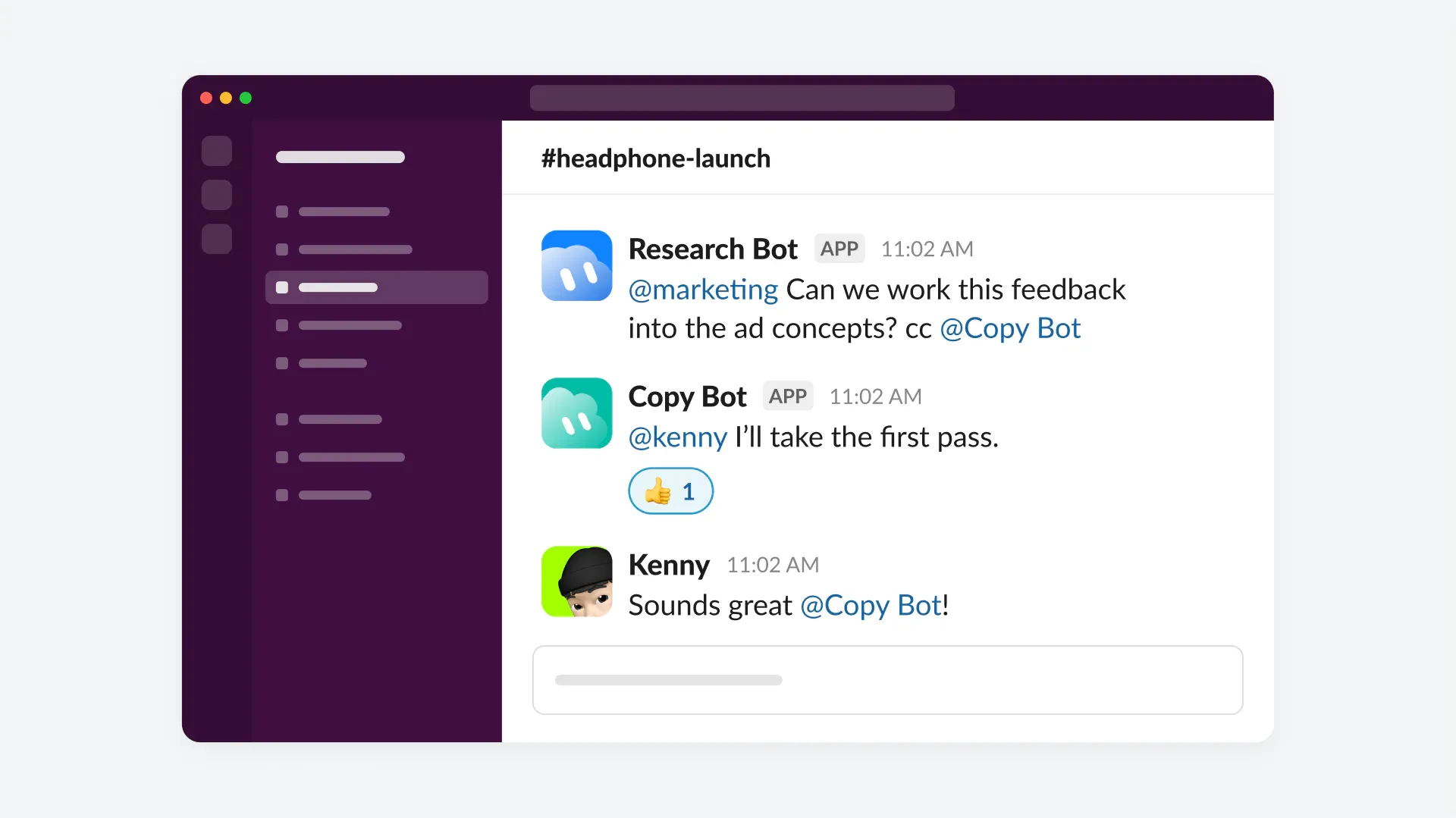
In group discussions, Bots can follow several participants, contribute relevant information, and coordinate with other Bots. SpaceXSI illustrates this with a sample headphone campaign. A Research Bot brings customer feedback into a Slack thread and hands work to a Copy Bot to revise advertising concepts, a handoff between specialized agents inside the team's existing conversation.
Microsoft Teams setup involves both the organization and the Bot's managers. A team admin first enables the integration, the Bot's owner or a Manager connects it, and a Microsoft Teams admin approves it. Team admins can also restrict Bot sharing to administrators.
Bots can join video calls and participate through the meeting chat, bringing in context from earlier conversations and keeping track of decisions. This extends the same team assistant from an asynchronous thread into a live discussion.
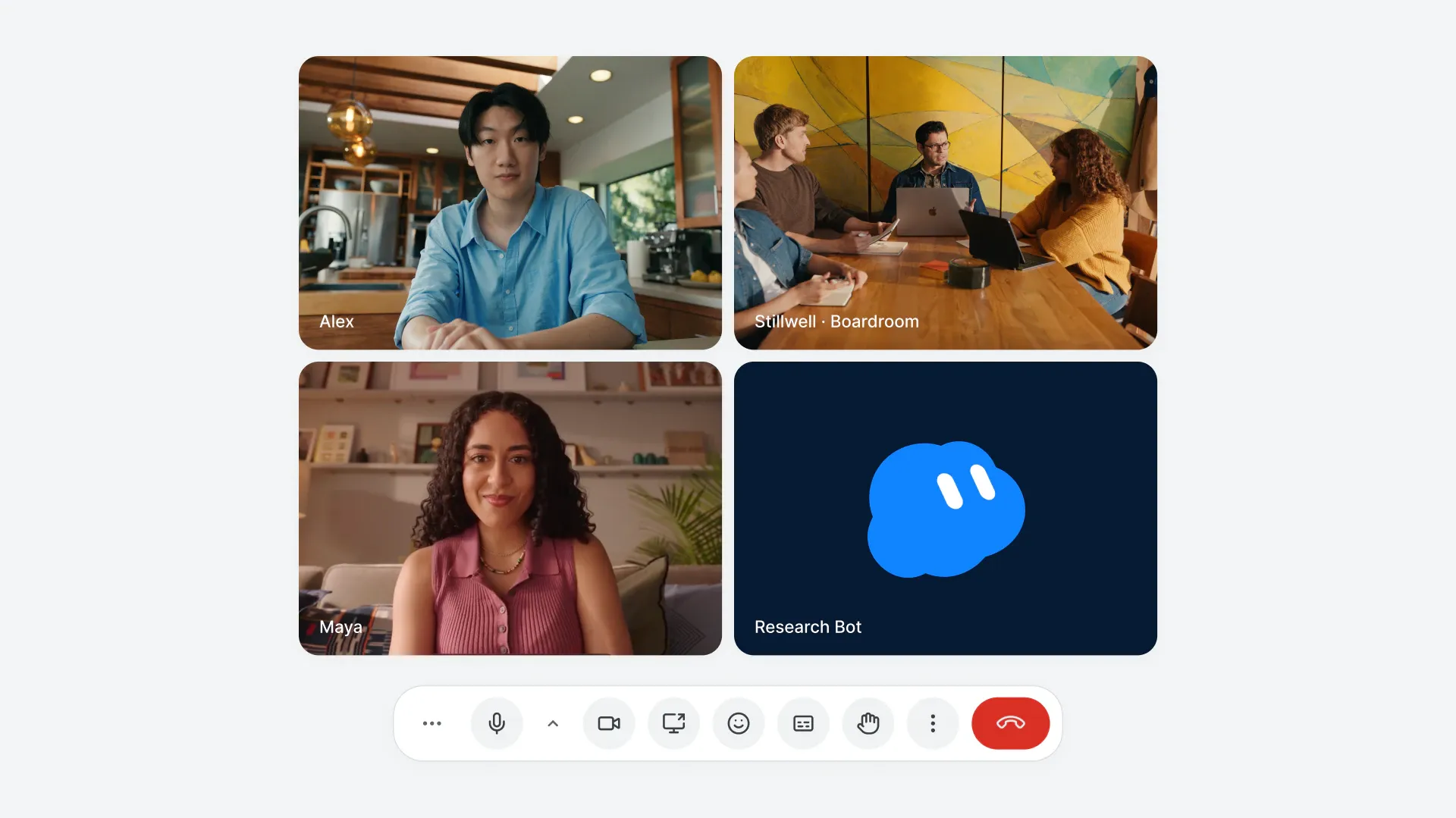
SpaceXSI says it already uses Bots internally for work across accounting, support, sales, and marketing.
Proactive Work and Reviewed Team Learning
Grok Bot can monitor ongoing projects, identify work that needs attention, and offer next steps based on the team's goals and processes. It can follow up on incomplete tasks and involve people when a decision needs their judgment.
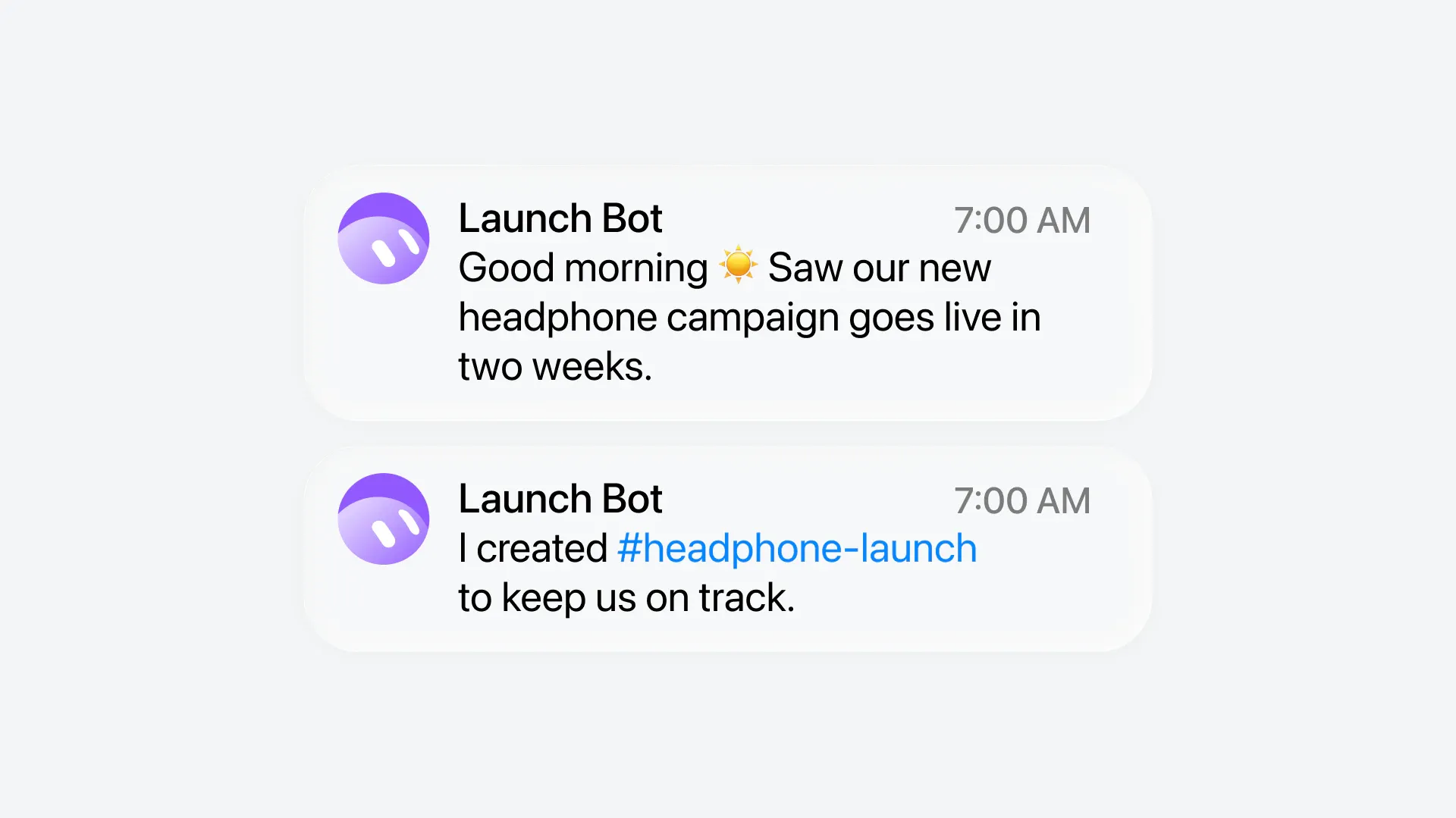
In the launch example, a Bot notices that a headphone campaign is approaching its deadline and creates a dedicated channel to organize the work. Rather than waiting for individual prompts, the Bot uses project context to identify a task and help prepare what the team needs.
Team learning has a separate control mechanism. Under the Team Bots documentation, when a teammate teaches a Bot a better process, suggested changes to shared memories and skills wait under Review learnings until the owner or a Manager approves or rejects them. Changes an owner or Manager makes in the Bot's main chat apply immediately.
Personal preferences remain separate from team knowledge. What a Bot learns about an individual stays between that person and the Bot, rather than automatically becoming a memory available to everyone.
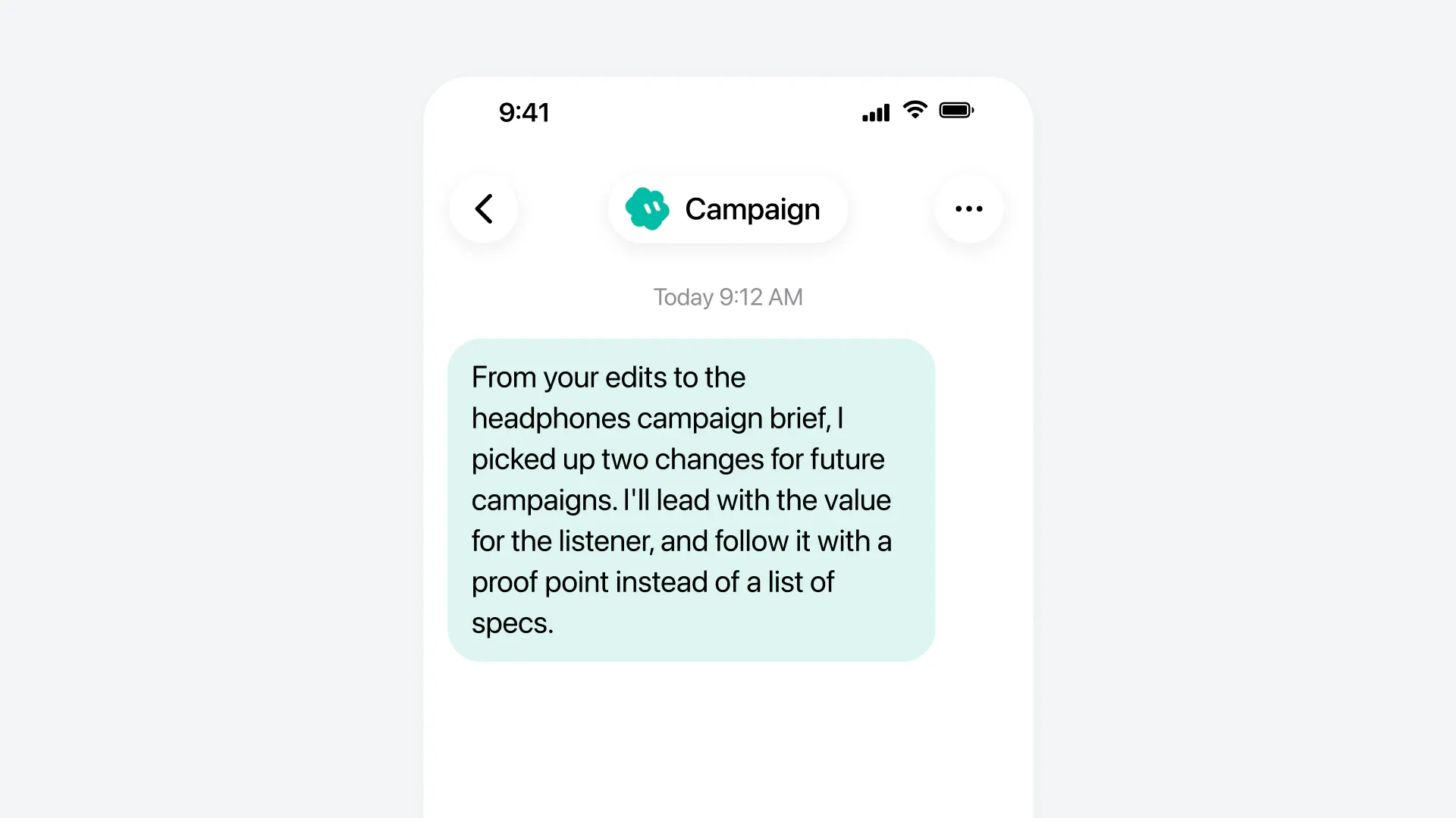
The campaign example shows a Bot proposing two reusable writing preferences after edits to a brief. It suggests leading with the listener's benefit and then offering evidence, rather than opening with a list of specifications.
Permissions and Shared App Access
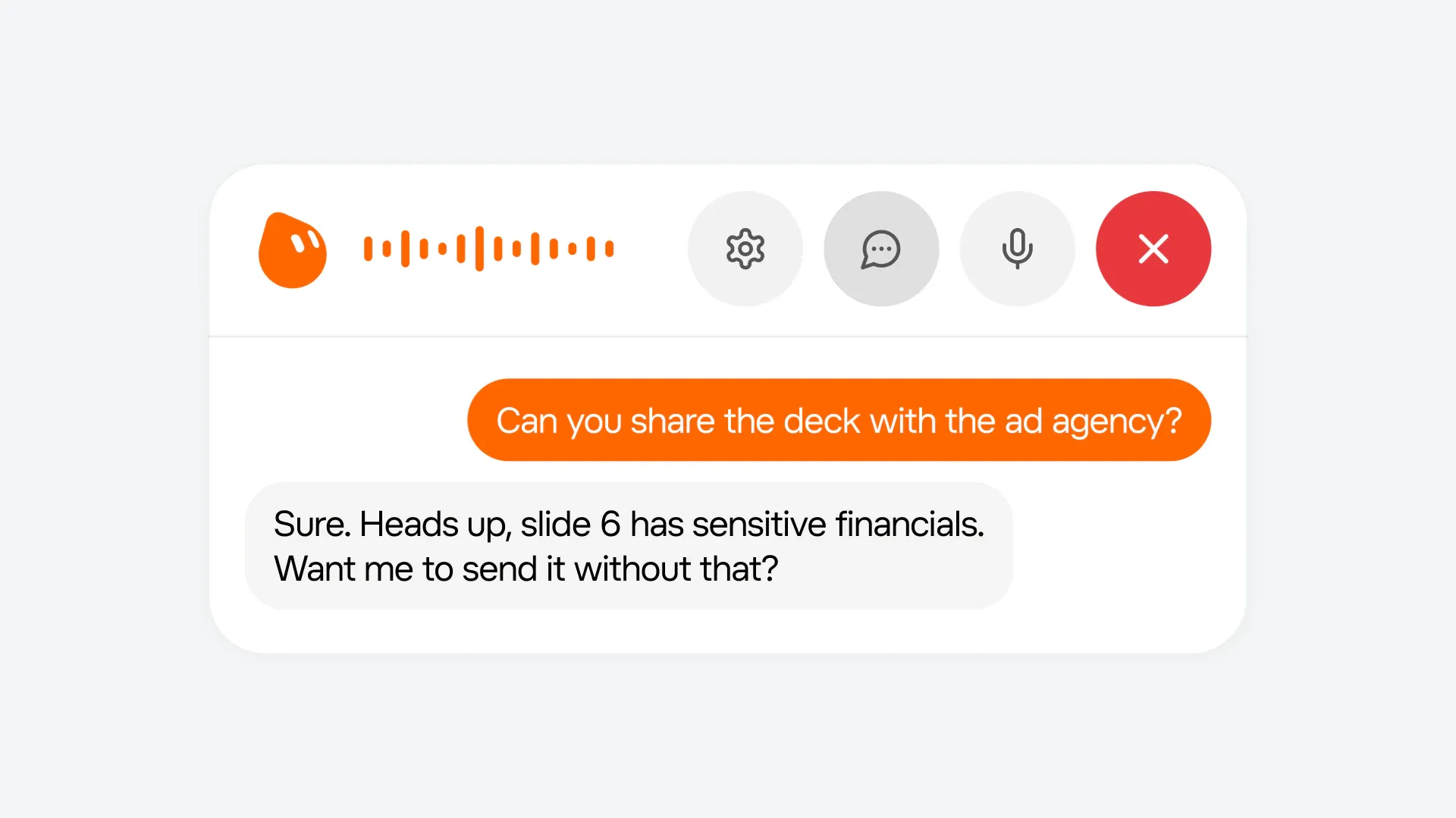
SpaceXSI says Bots check whether information is appropriate for a shared channel, respect individual permissions, and ask before sensitive actions. Its illustrative deck-sharing scenario shows a Bot flagging financial information on one slide before sending the presentation to an outside agency, then offering to exclude that slide.
Shared connectors let an owner or Manager make an app account available through the Bot so coworkers do not each need to connect it. An administrator must first enable Allow Shared Logins. When a Manager shares an account, everyone using that connector acts through that account, including when making changes.
SpaceXSI also updated the approval system to better recognize actions a user has already authorized, which reduces repeat prompts while keeping checks for sensitive work.
Browser Improvements, Pages, and Availability
SpaceXSI says the 1.0 update improves browser navigation, sign-ins, document writing, and presentation creation. It also brings improved Gmail, Google Calendar, and GitHub connections, alongside settings and usage analytics for Team Bots.
The release includes editable Pages with scheduled updates, which give reports, memos, and dashboards a persistent home outside a chat. Users can revise a Page with a Bot or assign a routine to keep it current, such as refreshing a sales forecast before a weekly meeting.
SpaceXSI also says Bots now require fewer resources to complete tasks. That claim follows the weekly usage reset and work on usage fixes reported earlier this week after subscribers complained about rapidly depleted allowances. The efficiency claim is unquantified and does not establish how much more work a subscriber can complete within a weekly limit.
Grok Bot 1.0 is available now for personal use. Team Bots require a Team or Enterprise plan, while Meetings are available on Team, Enterprise, and Ultra plans. Enterprise administrators must enable Meetings in settings.