

Table of Contents
Hippius has added end-to-end encrypted comments, emoji reactions, and viewing analytics to its file-sharing links. Senders can now collect feedback and see how recipients engage with screenshots, recordings, and other files.
The share-link update extends the cloud storage platform's sharing workflow beyond opening and downloading a file. Recipients can discuss a screenshot or respond to a particular moment in a recording, while owners can see view counts and video engagement in an Insights panel.
Hippius runs on infrastructure powered by Bittensor and offers Drive for encrypted file storage and sharing. The new features operate at the individual-link level, where owners choose whether a link collects viewing data, accepts comments, or allows reactions.
Feedback Tied to the File
The comments and reactions features put discussion alongside the shared content rather than in a separate chat. On a desktop, comments appear beside the screenshot or video; on a phone, they sit below it.
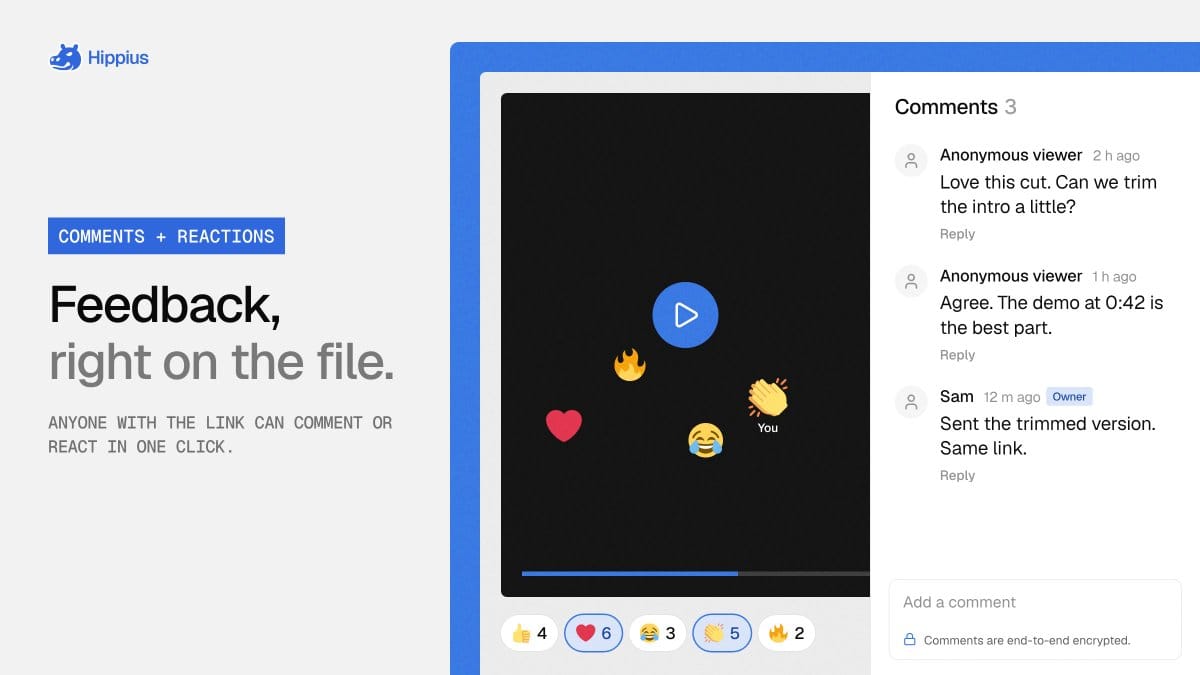
Opening a link and reading its comments require no Hippius account. Posting a comment or adding a reaction requires a sign-in. Commenters can display their account name or choose "Anonymous viewer." That choice hides their name from the owner and other recipients, but Hippius still knows which account posted the comment.
For recordings, comments carry the playback timestamp at which they were written. They also appear on the video timeline, where clicking one starts playback from that moment. Replies keep follow-up discussion together, and owners' replies carry an Owner badge. Users can @-mention the owner or someone who has already commented under a name; anonymous commenters cannot be tagged.
Eight emoji reactions are available. Recipients can add or remove their own reaction, and everyone with the link can see the totals without seeing who reacted. On recordings, reactions retain their playback position and appear as the video reaches that point.
Owners can delete any comment or block its author from commenting and reacting on that specific link. Blocking someone does not remove their earlier comments; those can be deleted separately.
What Viewing Insights Measure
Hippius's Insights feature separates total opens from unique viewers and adds playback measurements for recordings. Screenshots and other images receive view counts and viewer information, without video-specific metrics.
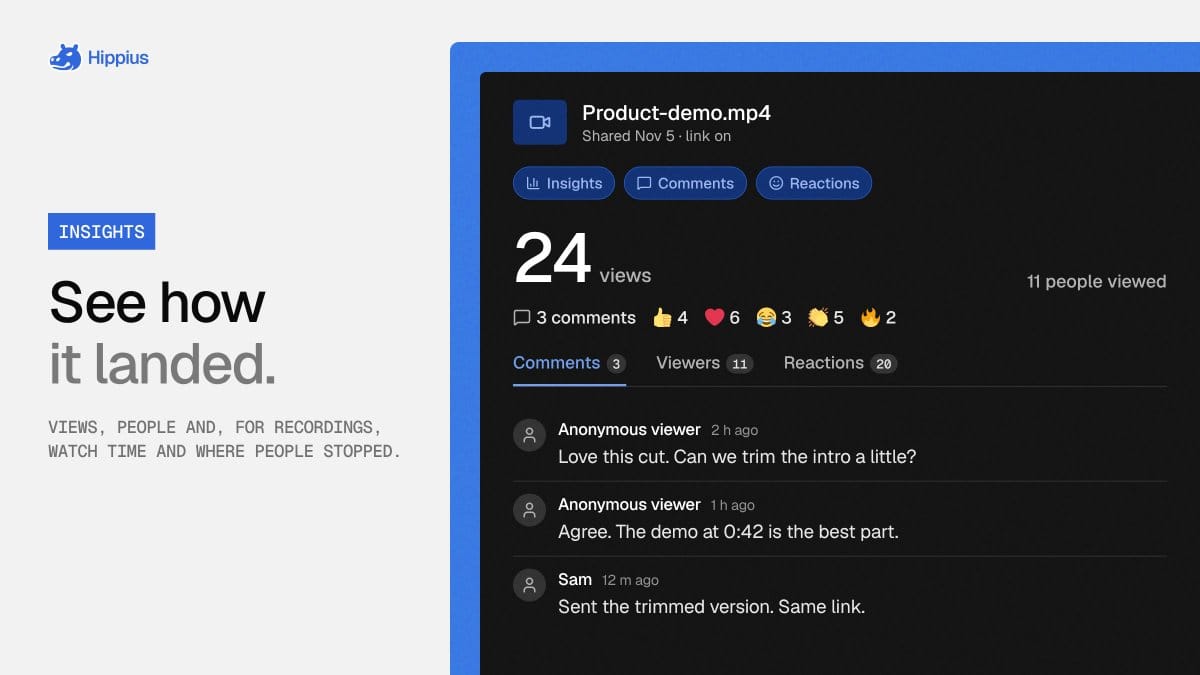
Unique viewers count different browsers, not verified individuals. One person opening a link on a phone and a laptop therefore counts twice. An owner's own visits are excluded when they are signed in to the console in that browser.
Recording completion measures the share of the video played during each view, averaged across views. Skipped sections do not count, and replaying a section does not count it twice. Average watch time shows how long people watched, while a timeline chart shows how many views reached each point. Together, those measurements let a sender see whether recipients reached a particular explanation or stopped earlier.
Viewers appear anonymously unless they also comment under their name in the same browser. In that case, the name appears next to their views. The browser identifier used to count views carries no account or IP address, but it is reused across Hippius links opened in that browser rather than being unique to each link.
The panel is available from Captures and Shared Links in the desktop app and web console. Owners can also enable first-view and new-comment emails, plus daily or weekly summaries. Comment emails report how many comments arrived without including their encrypted text.
Encryption, Access, and Plan Controls
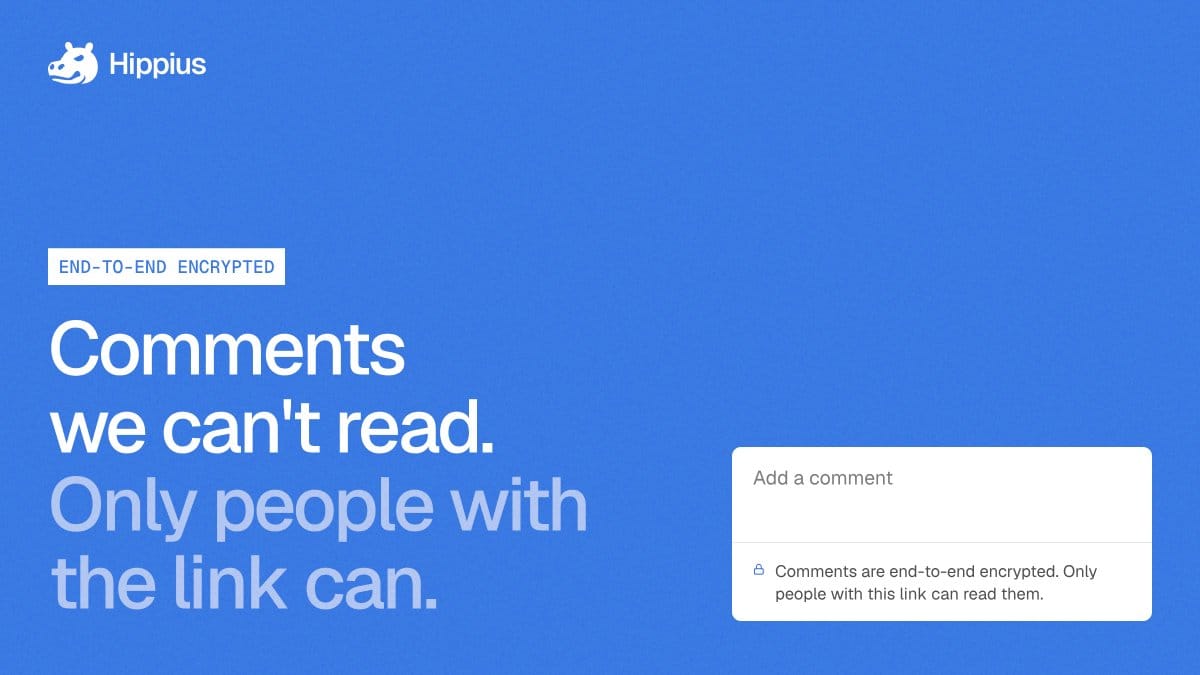
Hippius's encrypted comments use the share link's own key. The key sits after the URL's hash symbol, in the fragment that browsers do not send to a server. Comment text, display names, and mentions are encrypted together, so they are readable to people with the full link rather than to Hippius.
When an owner opens Insights, the console looks for the key in the browser, an unlocked Drive, another console tab, or the browser extension. If none has it, the console asks for the Drive unlock password. Password-protected links show comments on the link's own page after the password is entered.
Reactions, their positions within recordings, and view counts are not encrypted. Chat previews have a separate boundary. A screenshot preview or recording thumbnail and the file name are unencrypted so messaging apps can display them. Users can turn previews off, and password-protected links do not generate them.
Each link has separate Insights, Comments, and Reactions switches. For screenshots and recordings on paid Drive plans, they start on; on Free, they start off, and enabling them prompts an upgrade. Other file types start with all three off on every plan. Existing Free-plan links with a feature already enabled keep it, with basic view and viewer counts available; recording completion, the chart, and the viewer list are paid features. Turning a switch off stops new activity of that type without removing data already collected.
Hippius's share-link controls also let owners revoke access. Deleting the original file from Drive does not normally end a share link, because the link holds a separate encrypted copy. Revoking the link stops access to that copy, its comments, and its reactions.